MAGIC LINK
From delivery notice to driver check-in. Without anyone installing a thing.
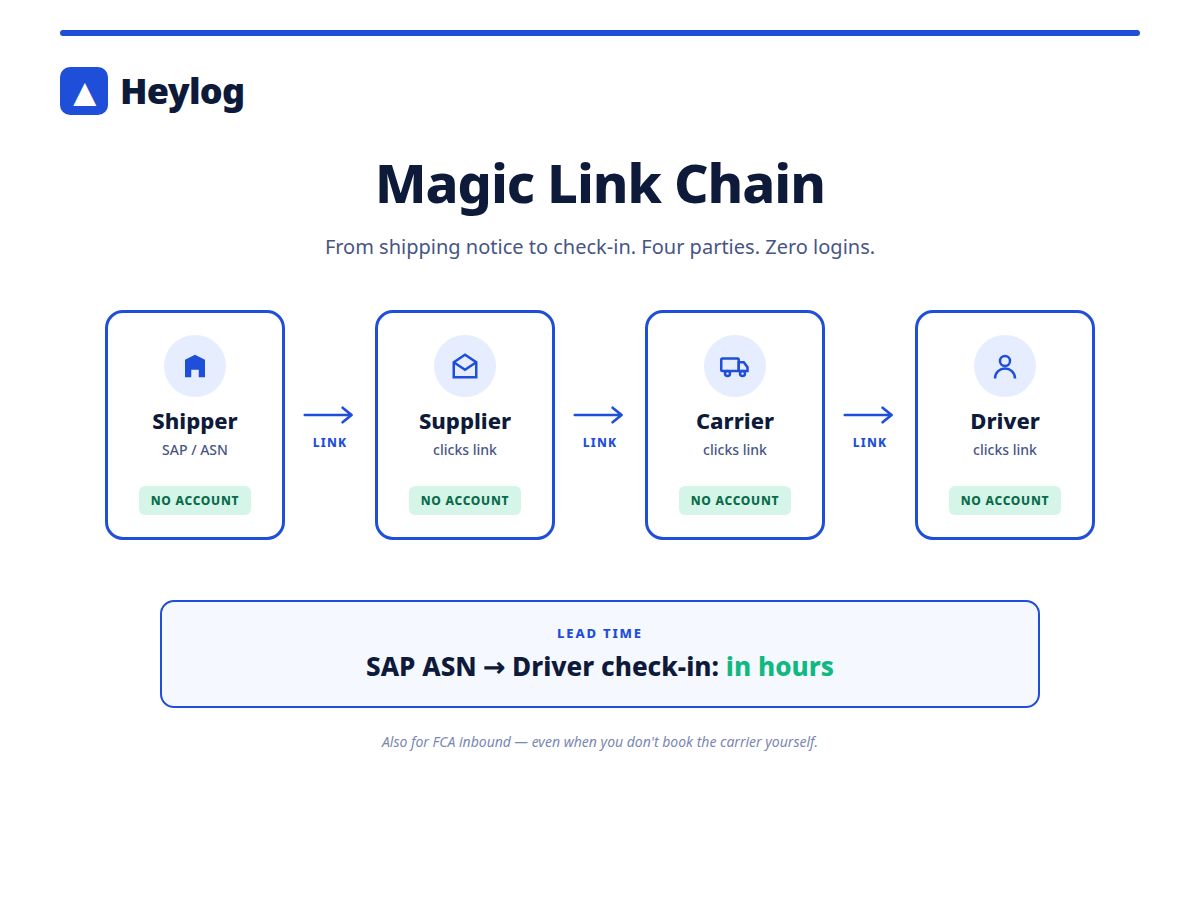
Magic Link connects shipper, supplier, carrier and driver in one unbroken chain — no registration required. Triggered by the SAP delivery notice, completed by check-in at the gate.
No account needed for supplier, carrier or driver
Automatic chain: shipper → supplier → carrier → driver
Optionally triggered via ERP/SAP delivery notice
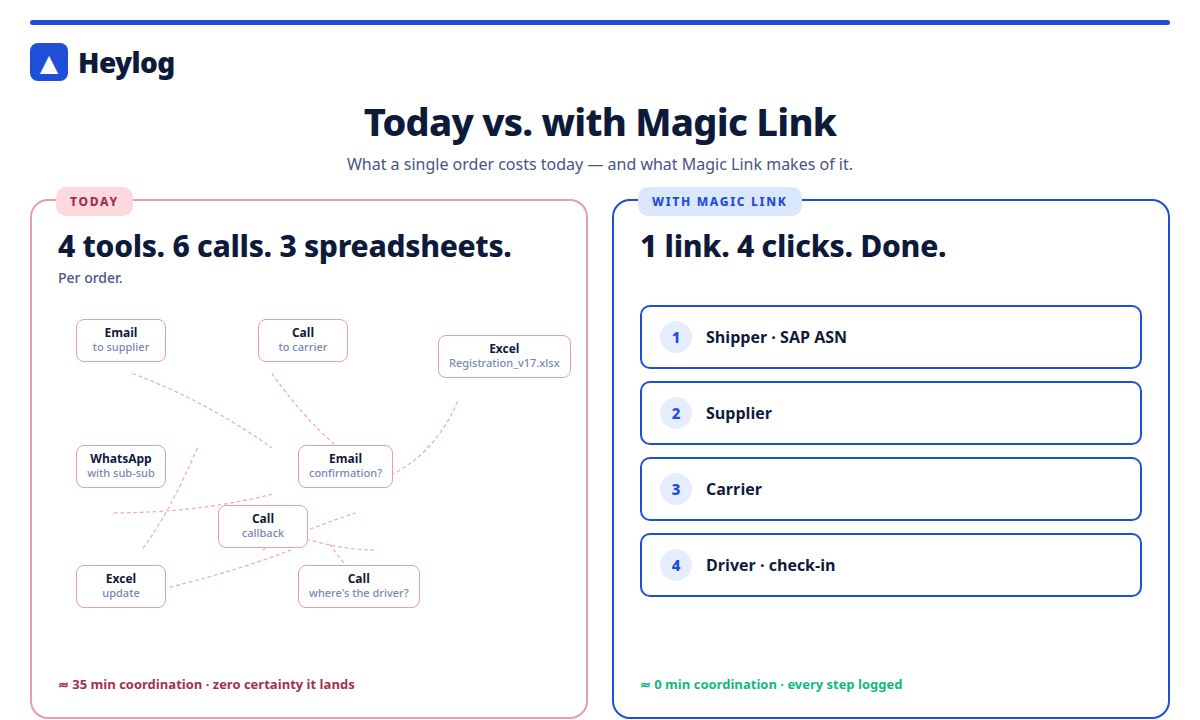
Today: 4 tools, 6 phone calls, 3 Excel spreadsheets per order.
A shipper receives an order. A supplier must be informed, a carrier must be commissioned, a driver must be registered. Every step today: a separate call, a separate email, a separate spreadsheet.
With FCA inbound it is even worse — the shipper often has no direct contact with the carrier, let alone the driver.
One chain. Four parties. No account.
01
Notice (Shipper)
A delivery notice from SAP, ERP or the Heylog UI generates a Magic Link. Sent to the supplier — by email or directly from the ERP chain.
02
Supplier
Clicks the link, confirms order details, names the carrier they have commissioned. No login required. The carrier automatically receives their link.
03
Carrier
Clicks the link, enters driver details and time slot. No account required. The driver receives their link by SMS or WhatsApp.
04
Driver
Clicks the link, confirms the safety briefing, checks in. Directly at the gate or whilst still en route. Dock is assigned automatically.
Try Magic Link now.
Walk through all four steps yourself — no installation or registration required.
Three reasons why Magic Link completes chains where other tools break.
1. Zero onboarding overhead
Suppliers and carriers change frequently — some appear once a year. Nobody wants to create an account just for a single order.
2. Works with FCA inbound too
If you have not commissioned the carrier yourself, you cannot force them into your system. Magic Link works regardless — the supplier passes it on.
3. ERP-triggered, not manual
As soon as the delivery notice is in SAP, Magic Link runs automatically. Your planning team has nothing left to enter.
Try Magic Link for 30 days.